On the updated online store, you will log in using a 6-digit verification code (one-time code) sent to your email address instead of a password. There is no need to remember a password, and no password reset process is required.
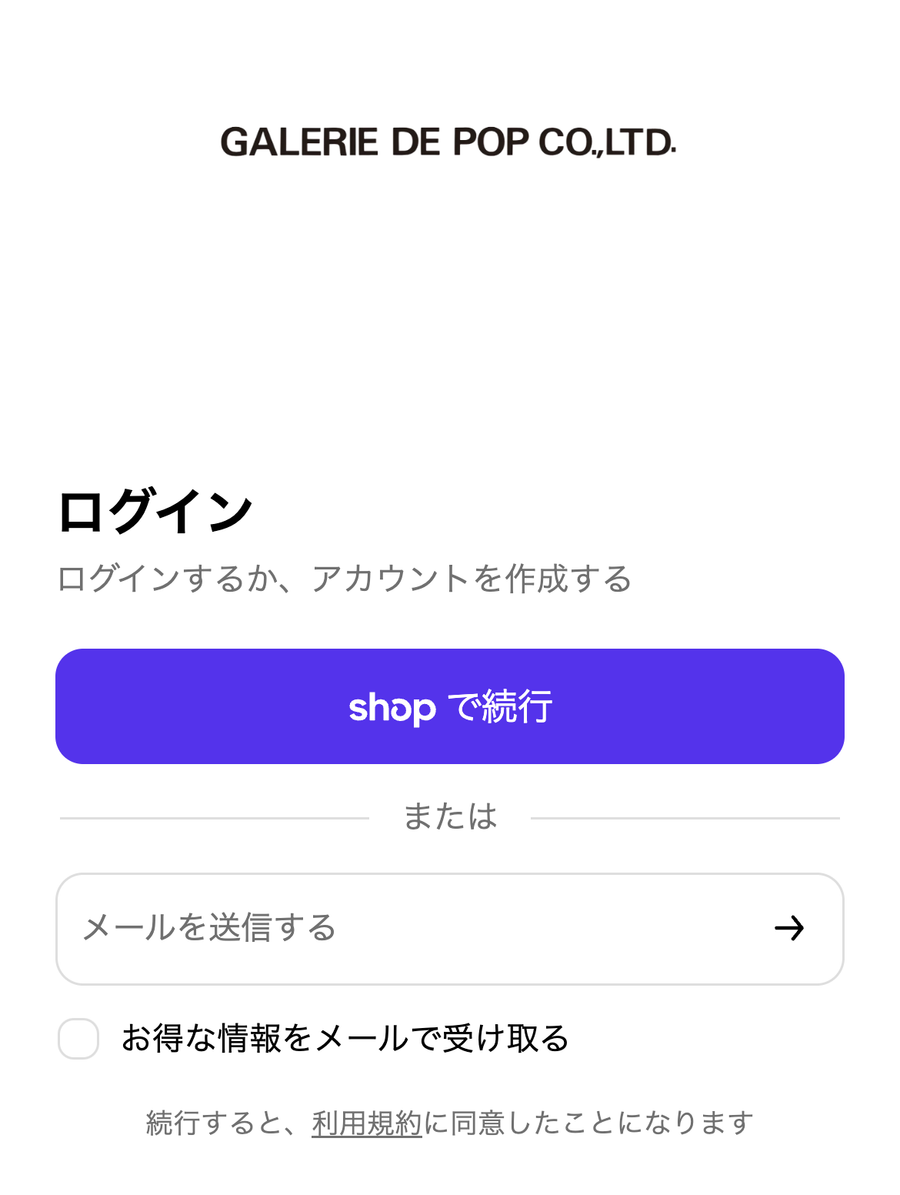
Login screen (Enter your email address and press → You will receive a verification code.)
Login Steps
Click the person icon in the upper right corner of the screen, or select "Login / Sign Up" from the menu.
Enter your email address and click "Continue".
You will receive an email with the subject "Verification Code" at the email address you entered.
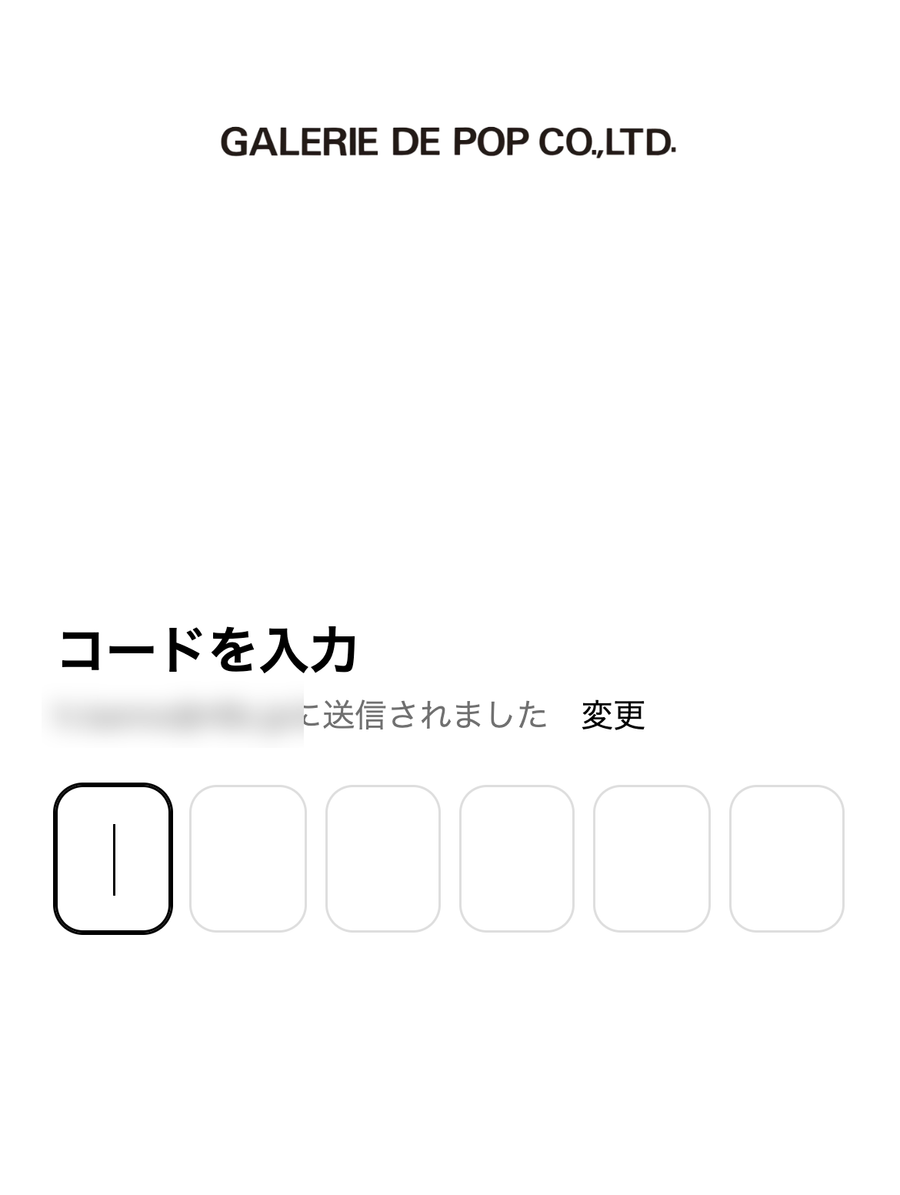
Enter the 6-digit number provided in the email to complete the login process.
*The verification code is valid for a few minutes. If it expires, please enter your email address again to receive a new code.
Step 2: Enter your email address and submitStep 4: Enter the 6-digit verification code you received
To customers who registered on the previous site
Your membership information registered with the previous online store has been transferred to the new store. If you log in with the same email address, there is no need to re-register your membership information.
If you do not know your registered email address, or if you registered with a temporary email address at a store, please contact us.
If you do not receive the verification code email You may not receive the verification code email due to automatic sorting into the spam folder, spam filter settings, or insufficient mailbox capacity. If you cannot find the email, please check your spam folder and reception settings.
If you use a mobile carrier email address, you may not receive the verification code email due to spam filter settings or other reception settings. If you do not receive the email, please check your spam filter settings and add our domain "@galeriedepop.com" to your approved sender list. If you are unsure how to configure these settings, please contact your mobile carrier.
Registering your name, address, etc. (My Page)
After logging in for the first time, please register your name, address, phone number, and other details from "Register/Change Membership Information" on My Page. Once registered, you can skip entering this information when placing an order and also use the points program.